Dimraeth How to Save: Autosave, Campfires and World Saves
Dimraeth saves automatically — there is no manual save button. How world saves, campfires, sanctum resting and death rules work, and what carries between co-op worlds.
Last checked: 2026-09-21 · Facts on this page come from the sources listed above; anything unverified is marked as unconfirmed. Early Access details can change with each official patch.
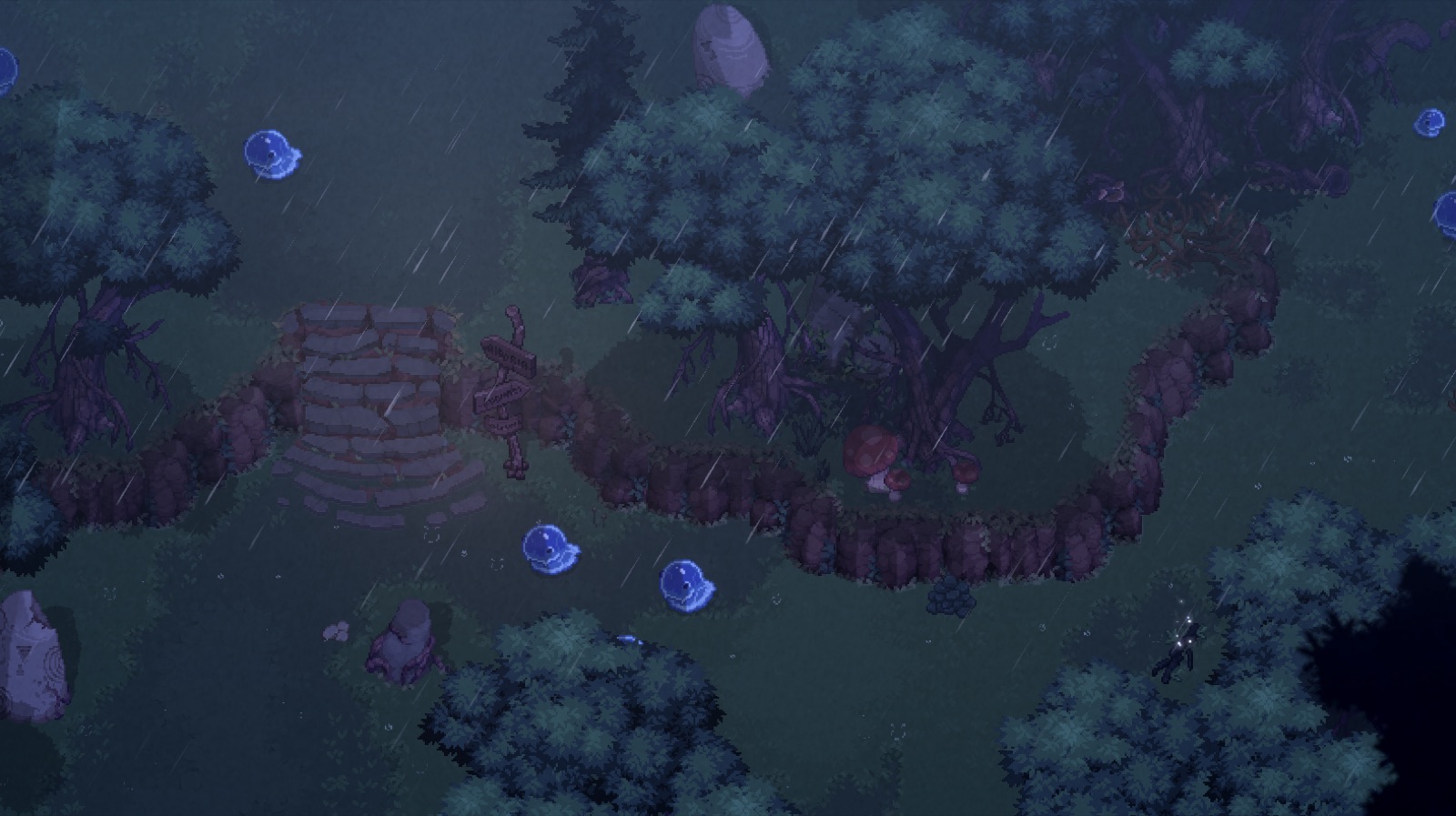
How to save in Dimraeth is mostly a question of understanding that the game saves for you. The Early Access build does not confront players with save slots or a manual save screen — instead, your progress lives on the world you are playing in, and your character carries their own growth everywhere they go. What trips new players up is not losing data but misunderstanding the resting system that the save loop is built around: campfires, sanctum beds, and what each one triggers. This page explains how persistence works solo and in co-op, plus the death rules that make experimenting low-risk.
The short answer: the world remembers
You do not need to do anything special to keep your progress. Dimraeth is built as a persistent world save — story progress, buildings, recruited allies, and world state are stored on the world you are playing, and community guides describe sessions picking up where they left off with no manual save action required. Quitting during exploration, accordingly, is reported as safe: loot dropped on the ground even stays where it fell until you close the game, according to early players.
What no source documents — official or community — is a manual save button, save-slot management, or Steam Cloud support. Mudtek has not published those details, so treat them as unconfirmed rather than assumed. If you are the cautious type, finish a quest or rest at a campfire before quitting; those moments clearly represent committed state in every streamer's session we reviewed.
Resting: the save-adjacent system you actually manage
The mechanic players confuse with saving is resting, and it deserves precision. Resting at a campfire fully heals you, refills charged consumables like your health flask, and — the trade-off — respawns the world's enemies. It does not roll back anything: your spent XP stays spent, completed quests stay complete, and your inventory stays yours.
Sleeping is the deeper version. Community guides report that resting in your sanctum bed or tent during the nighttime window advances the day cycle and grants overnight buffs plus a small experience check-in, which is why ending sessions with a sanctum sleep has become the standard closing move. Because the sanctum is also where your storage chests, crafting stations, and recruited allies live, a pre-quit routine of unload, salvage, sleep is both a good save habit and a good supply habit. The base-building guide covers the sanctum setup in detail.
Death rules: failure without punishment
Saving matters less when dying is cheap, and Dimraeth's death rules are unusually friendly for a Souls-lite. Community guides are consistent: there is no penalty for death beyond enemies respawning — no dropped currency, no corpse run, no durability damage. One early-access reviewer put it plainly after dying mid-video: nothing bad happens, the world just resets its mobs.
That design shapes how you play. Death is a scouting tool — pushing into a too-hard area costs time, not progress. XP already spent on attributes is safe, and XP sitting in your pool is safe too, so there is no reason to bank experience before a risky fight. If deaths are frequent rather than occasional, the fix is usually a build problem, and the respec options or the healing guide are the places to start.
Co-op: heroes travel, worlds persist
Multiplayer saves follow the game's central persistence rule, stated on the official Steam page: your hero's level, equipment, inventory, spells, and personal progression travel between worlds, while story progress, recruited allies, and buildings remain tied to each world. In practice, joining a friend's session changes nothing about your own save — you bring your character, help their world, and leave with everything you earned there.
It also means the host holds the real save. A group that builds a stronghold is building it into the host's world, so deciding whose world the group develops matters more than deciding who joins first. Sessions run peer-to-peer with no dedicated servers, and the world save exists while the host plays — another reason the pre-quit sanctum routine is worth standardizing in your group. For how the world's systems interact with all this, see the gameplay overview, or start from the guide hub for the full collection.
FAQ
Does Dimraeth have a manual save option?
No manual save button has been documented in any community guide or official material we checked — progress appears to persist on the world save automatically. Mudtek has not published details about save slots or cloud saves, so treat the specifics as unconfirmed.
Do you lose progress when you die in Dimraeth?
Community guides report that death carries no experience loss — your XP stays spent and earned. The only consequence is that enemies respawn, so a death resets the battlefield, not your character.
How does saving work in co-op?
Progress splits in two: your hero's level, gear, inventory, and spells travel with them into any world, while story progress, buildings, and recruited allies stay tied to the host's world save. Both persist between sessions.
Official sources
More in this category
Browse all →Dimraeth Base Building Guide: Sanctum, Station by Station
How base building works in Dimraeth: Faustas blueprint quests, the first workbench, storage chests, farms, the quarry, and a build order that works.
Dimraeth Controls: Keyboard, Mouse, Controller and Rebinds
Every Dimraeth control option in Early Access: WASD, right-click movement, full controller support, Steam Deck notes, and the settings worth changing first.
Dimraeth Farming Guide: XP, Deeds, Bounties and Events
What Dimraeth farming actually means: repeatable XP from deed quests, bounty board boss hunts, world events, respawning enemies, and sanctum rests. Level fast.
Dimraeth Gameplay Guide: Combat, Progression and Co-op Loop
What kind of game Dimraeth is, system by system: Souls-lite combat, XP-as-currency progression, resting and respawn rules, Deeds, and the 8-player co-op loop.
Dimraeth Guide: How to Start Strong in Early Access
The complete beginner's Dimraeth guide: pick a strong first race and class, survive the Lost Caverns opening, settle Earlwood, and spend your first skill points well.
Dimraeth How to Get Water: Every Reliable Source
How to get water in Dimraeth: craft it from your inventory, harvest it from slime-type enemies, and build a well at your sanctum. Every source, checked.